How to Install
- Connect your ESP32 device to your computer using a USB cable.
- Click the Connect button above and select your device from the list.
- Allow the browser to access the serial port when prompted.
- The installer will flash the bootstrap loader automatically.
- After flashing, the device will reboot and broadcast a WiFi network.
- Connect to that network to configure Internet access.
- The device will then download and install the full HBG3 firmware.
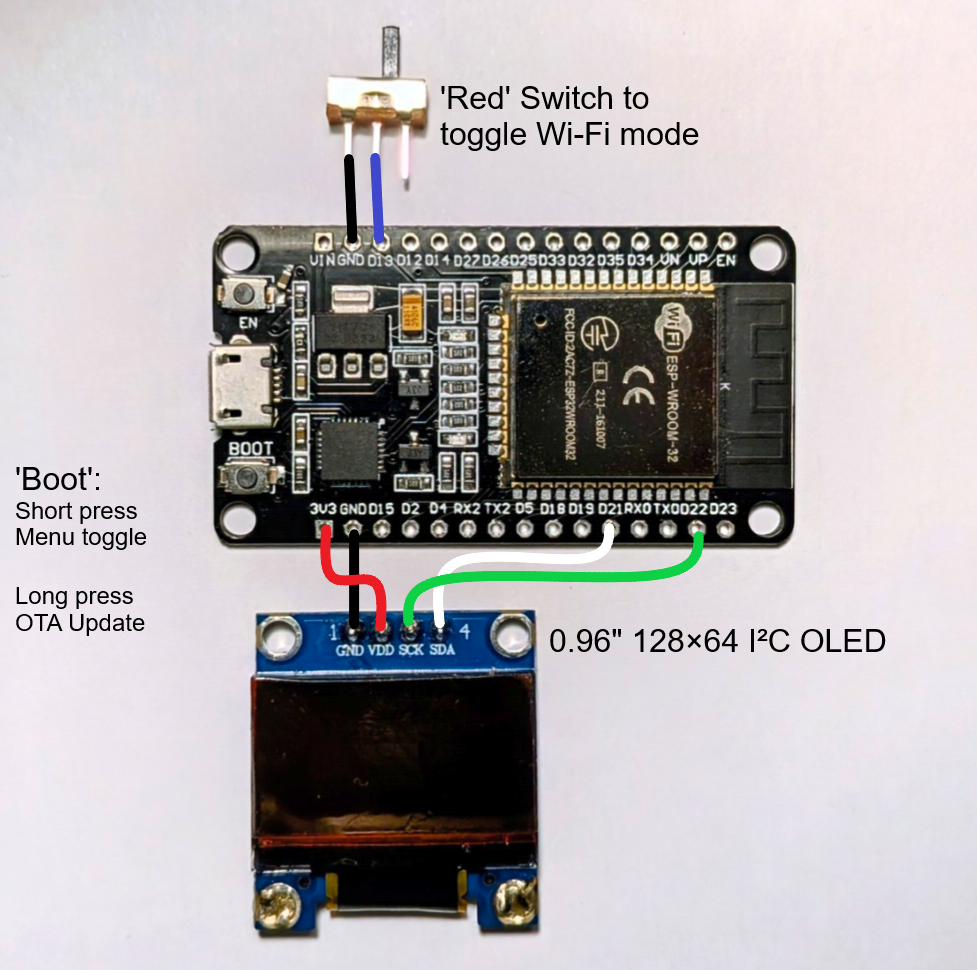
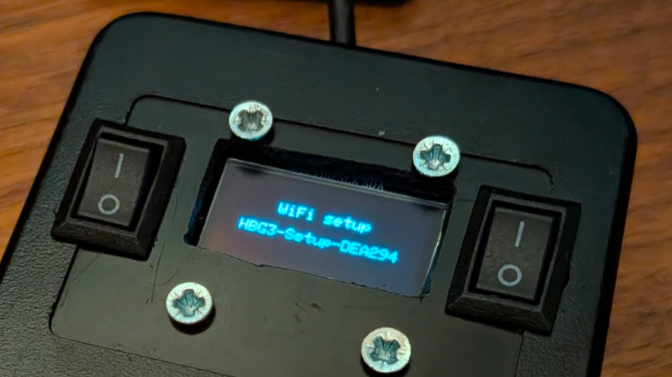 Minimal benchtest setup for running the full firmware after the OTA update. Allows menu display, menu navigation and WiFi mode switching.